One entry point for the customer
To the customer it feels like one organization, even when different people inside the team reply over time.
For business
This is not an abstract B2B page. It is a concrete operating model: a customer writes into one entry point, your team replies from Business, and the thread keeps its context.
Product moment
Less explanation. More product on screen and short, sharp statements.
To the customer it feels like one organization, even when different people inside the team reply over time.
The bot can send the first reply, collect basics, and hand the thread to a human without losing history.
It works best when your real workflow happens in conversations, not in a large card-based pipeline.
Product showcase
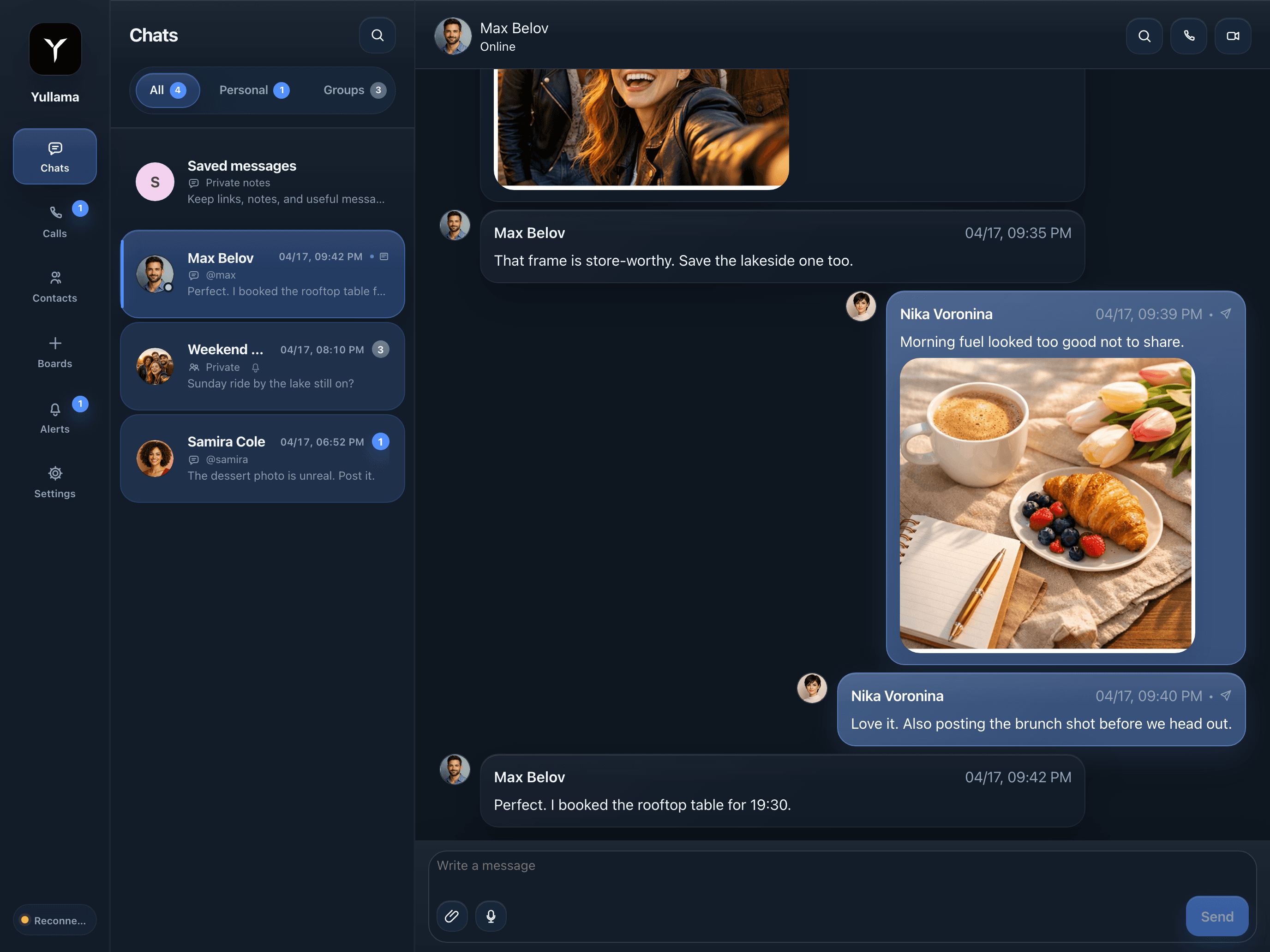
Business lives inside the app and reuses the same mechanics as regular chats: thread list on the left, working context on the right.
Сообщения, участники и контекст разговора в одном окне.
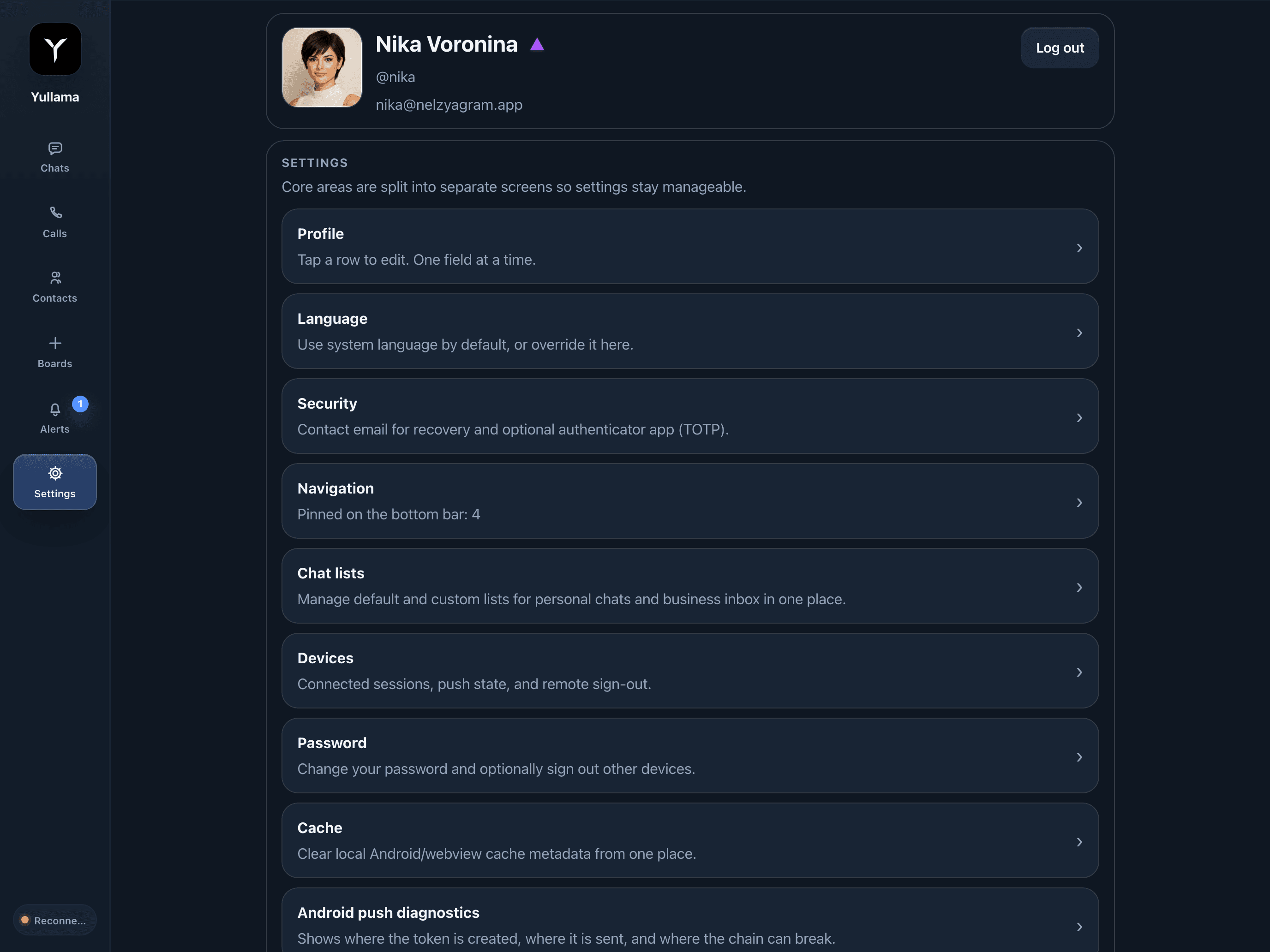
Настройки, устройства и контроль доступа в одном разделе.
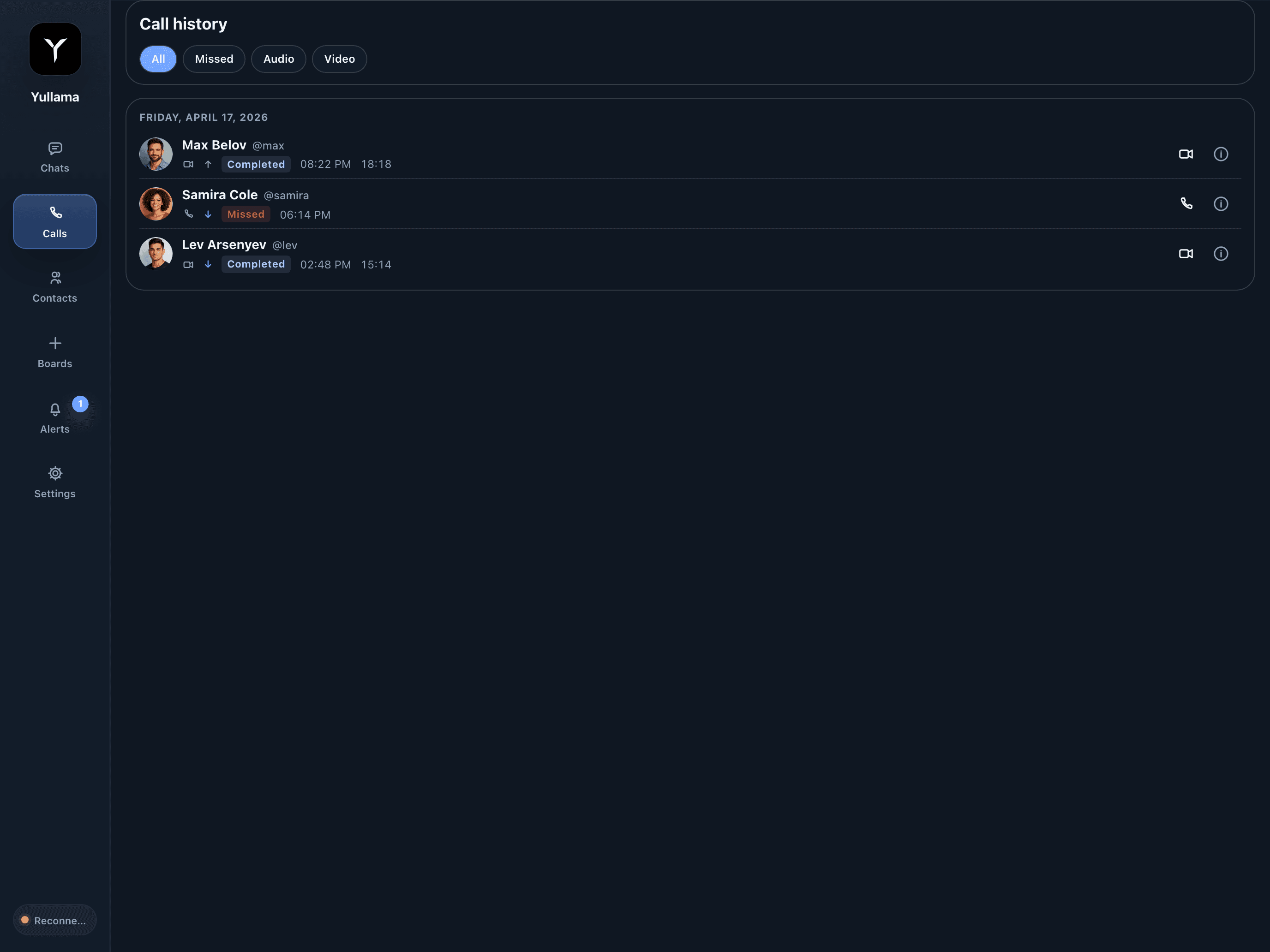
Журнал звонков и быстрый перезвон без лишних переходов.
Личные сообщения и группы под рукой с телефона.
Narrative
If you do not know where to enable this and what to do next, the path should be explicit and short.
Open Settings and turn on Business mode. After that, the Business tab appears in the left navigation.
Open the Business tab. The left side shows inbound business threads, the right side shows the selected thread and work actions.
If you want an automatic first reply, enable auto-reply, set a bot name, greeting text, and a handoff rule.
When a customer writes through a public entry point, the thread appears in the list. Open it, reply, accept handoff, and turn it into work if needed.
Highlights
Business is not for everyone. It becomes useful when you have inbound requests and more than one person can work them.
The customer writes to one organization instead of hunting for a specific employee. The team decides internally who owns the conversation next.
The bot can greet the customer and collect topic, contact, budget, or other intake before a person joins.
A thread can become a task or a deal, so the team does not have to rewrite incoming requests into another tool by hand.
Lists, statuses, tags, and intake templates help you separate new leads, support, spam, and manual team work.
Guided tour
This is where the Business tab starts paying off in real work.
A customer writes about a service, the bot collects the brief and contact, a manager accepts handoff, then a task or deal is created from the same thread.
New requests land in Business, the support team replies from one queue, and statuses move through new, open, waiting, done, and spam.
If you run multiple business directions, use separate entry points, tags, intake templates, and custom lists. If you need hard separation of brands and roles, that is the next product layer.
Supporting
So you do not expect Business to be something it is not yet.
No. Right now it is a business inbox on top of the chat model: inbound threads, handoff, bot, tags, statuses, and creating work entities from a conversation.
Yes, but today you model that through separate entry points, tags, intake templates, and lists. If you need a fully isolated space per business unit, that is a deeper product layer.
Enable it when speed of first response and collecting basics matter. Leave it off if every thread must be picked up directly by a human or you are still testing the flow.
Open the integrations page. Today you have an auth-first widget button, not a full embedded chat widget.
Final CTA
First enable the tab in settings, then connect one real inbound flow, configure the first reply, and watch how your team handles a customer inside one thread. That is enough to see whether you need a deeper business layer.